Account → Usage is the page for this.
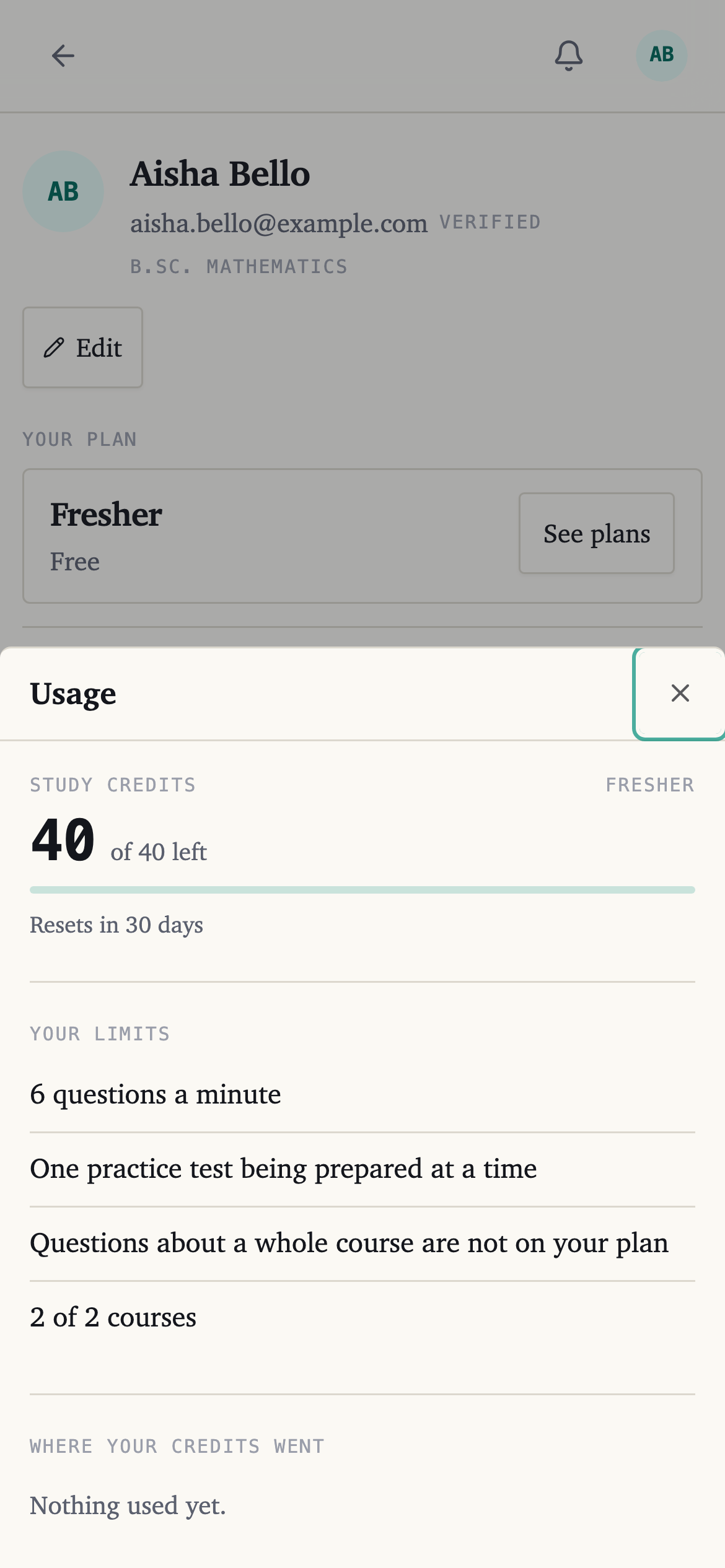
Study credits
Your balance, and what is left of it this month.
Top up buys more without changing your plan. On the free plan the button reads See plans instead.
Where your credits went
What you have spent them on this month, grouped by the kind of thing.
Read this before deciding between a top-up and a bigger plan. If most of it went on whole-course questions, a plan with more credits is the cheaper answer; if it was one heavy week, buy a pack.
Your limits
What your plan allows besides credits — how many courses you can have open, and how much can be prepared at once.
When it refills
Your credits reset every 30 days, and the page tells you how long is left. They do not carry over.
The exception is changing plan part-way through a month: move between two paid plans and whatever is left comes with you.
Top-up credits sit behind your plan's own and last a month from the day you bought them.
Reading is not on here
Because it costs nothing. Only things the AI makes for you appear on this page — see What a study credit is.