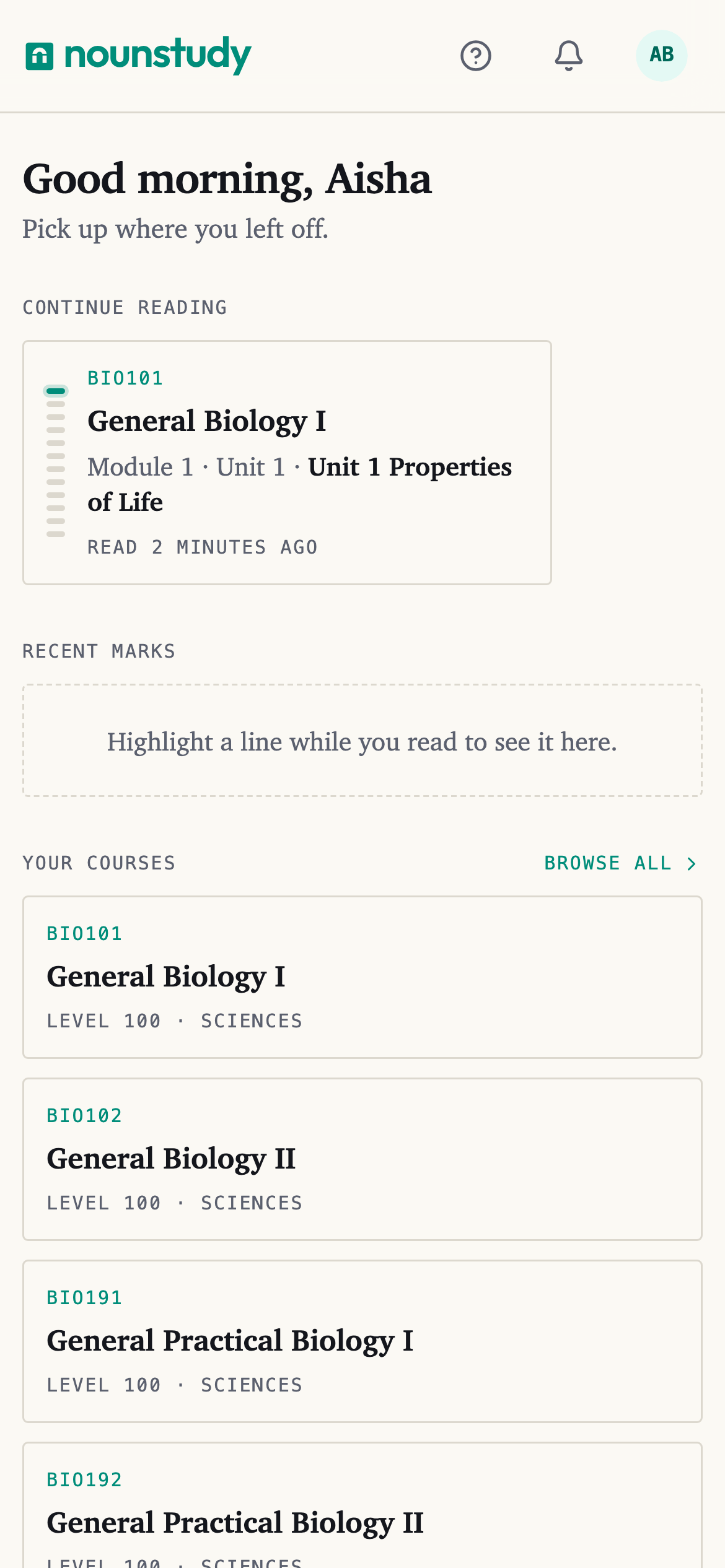
Home is the first thing you see when you open nounstudy. It is built around one question: what were you doing last?
Continue reading
The courses you have open, with the unit you stopped on. Tap one and you are back on the page you left. Swipe sideways for the rest.
Your courses
Everything you are studying right now. From here you open a course, or add another.
Recent marks
The last things you highlighted, across every course. Tap one to jump to it in the book.
Recently
What you have done lately — questions you asked, tests you took, summaries you made.
Study tips
Short, practical suggestions on how to study. Read them or don't.
Help
One button: Chat with Idara. Idara answers questions about registration, exams and your account, and hands you to a person when it cannot help.
If it will not open, the same section gives you an email address instead.
Invite a friend
Your referral code, and a link to share.
Getting around
At the bottom of the screen on a phone, and down the side on a laptop, you have Home and Account. Everything else is reached from a course.